wizzyprompt.com
Can we use image generation to create a tool that helps designers, creatives, and artists become more productive and inspired? That is the question I set out to answer with Wizzyprompt.
wizzyprompt.com

The Wizard Approach in Wizzyprompt
I didn’t want to build a typical prompt setup with a chat-based question-and-answer format. Instead, I created a wizard-style interface: users answer a series of guided questions (the “wizard” part), which automatically fill in placeholders within a predefined prompt template.
Let’s walk through an example prompt. In this case, we’ll change the season of an image:
Step 1: Upload Reference Image
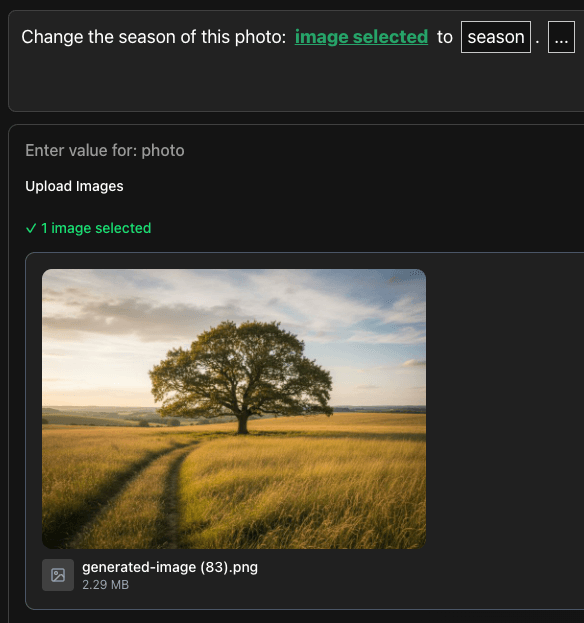
The placeholders defined in the prompt are connected to specific types of questions. In this example, there’s an image upload field.
Step 2: Select a Season

For the season selector, it’s a dropdown with multiple options.
Step 3: View the Result

Reusability
Prompt construction becomes repeatable: you only need to change the parameters for each new run. This is especially useful if, for example, you need to create social media images that follow the same structure each time but with different prompt inputs.
Create Your Own (Wizzy)Prompts
What makes Wizzyprompt powerful is that users can create their own custom prompts.
Here’s an example use case to illustrate this: An architecture company frequently creates 3D visualizations from 3D models provided by modelers. The company can build a custom prompt tailored to their specific needs for visual creation:

The resulting prompt:
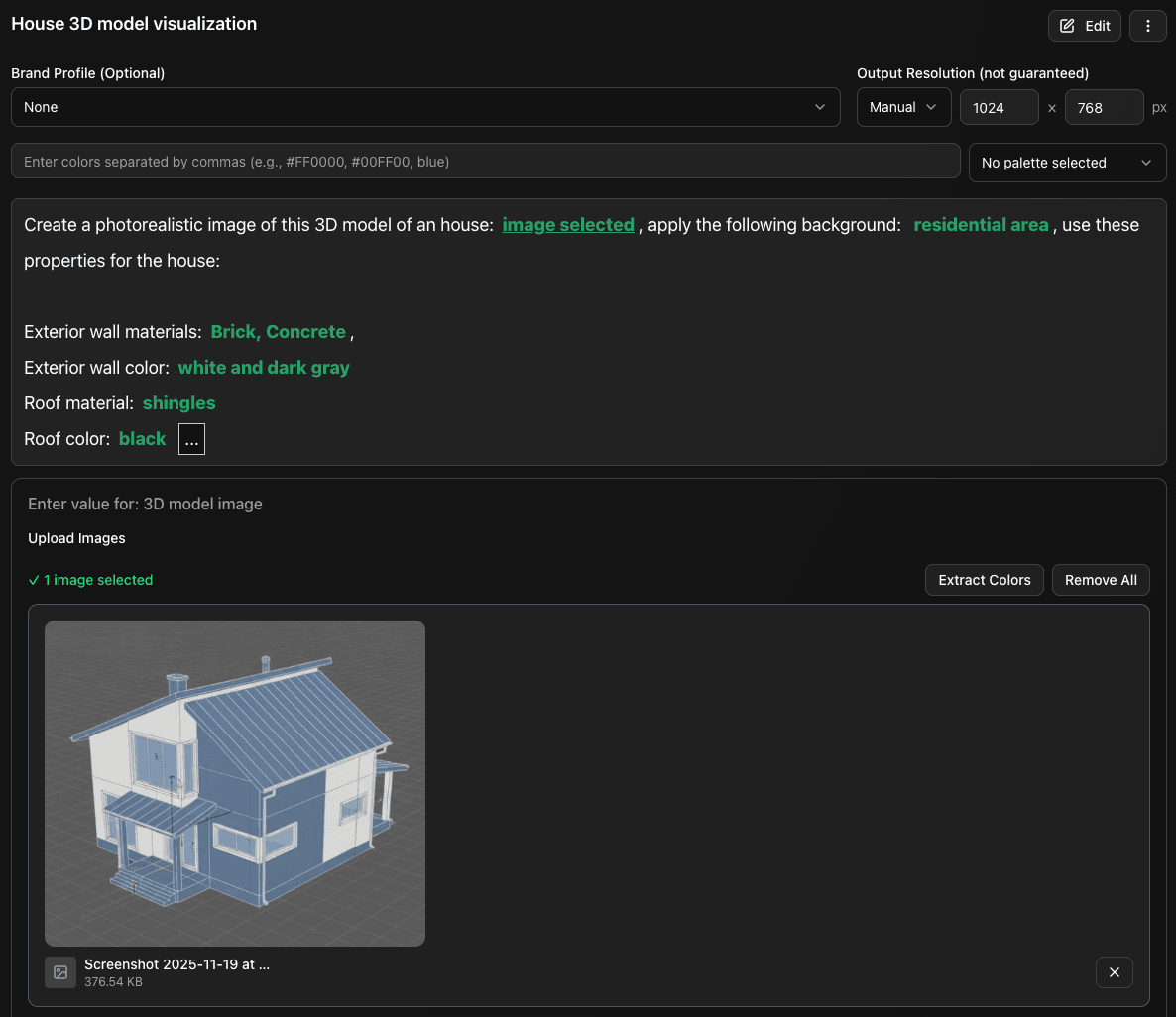
Running the prompt:

Giving Back
I believe we can’t have image generation without giving back to the original creators and artists whose visuals are used to train the models. That’s why I integrated the Wizzy Creative Fund into the platform. 20% of all sales go to this fund, which supports creative initiatives.
The ambition
The ambition is to allow creatives to create a profile, provide proof of their creative work, and enable platform users to direct 20% of their payments to support the artists they choose.
More features
Wizzyprompt has a lot more features, discover them on wizzyprompt.com.